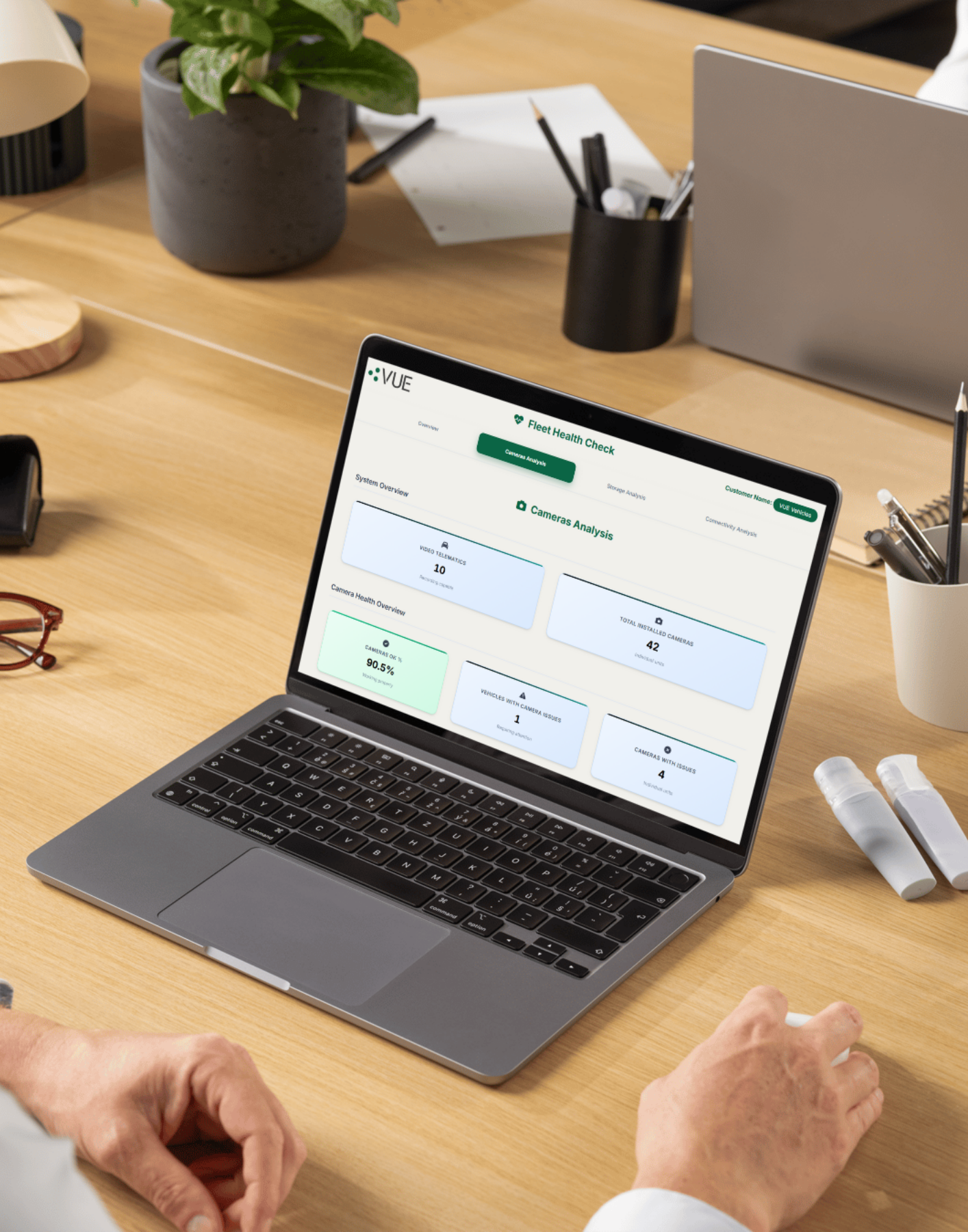
How to use the Fleet Health Check Dashboard
The new VUEhub tile is designed to make managing the video telematics systems fitted to your vehicles even easier.
Struggling to access VUEhub or the Fleet Health Check tile? Contact us for support.
The dashboard aims to provide a broad overview of device health, as well as giving you the ability to dive into issues to understand what actions need to be taken to ensure all kit is working as it should be. Let's take a look at the different features...
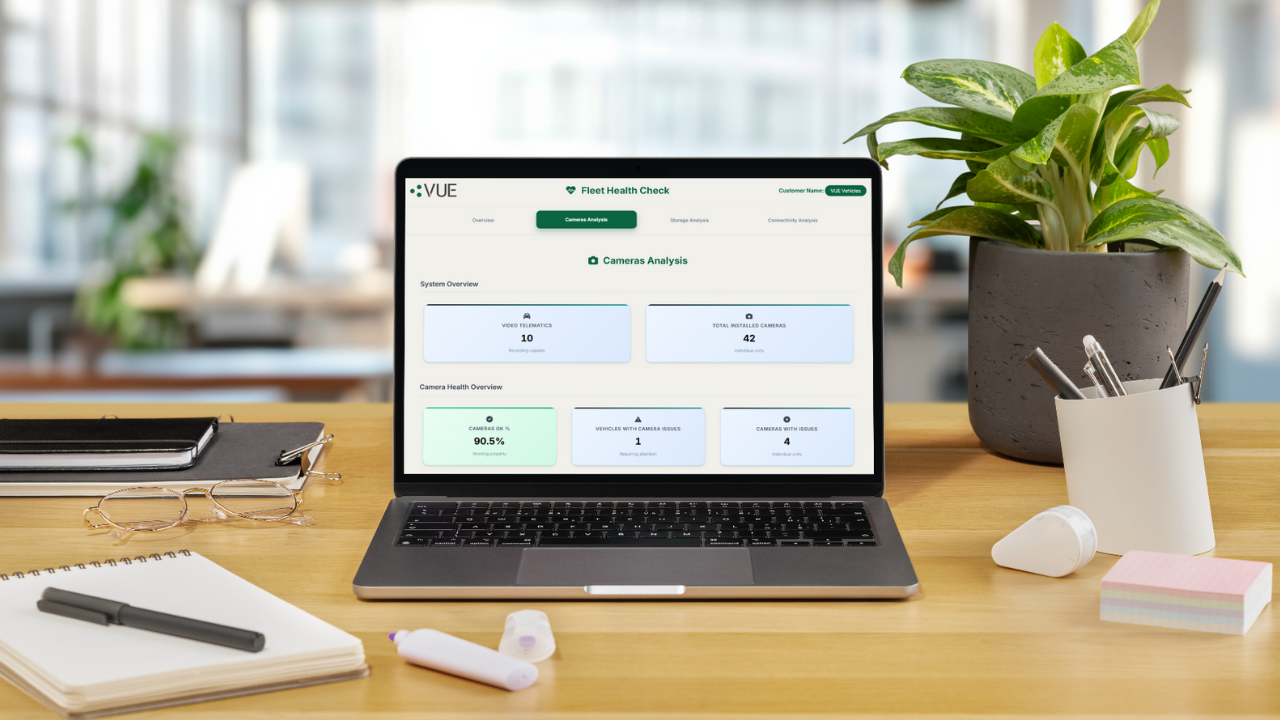
Top Tips
Click to Drill Down: Most metrics are interactive. Clicking on a number or label will take you to a more detailed view or report.
Current Required Action: We recommend reviewing the report regularly to identify which vehicles or devices require your attention. This helps ensure your fleet remains fully operational and compliant.
Download Full Info: Use the "Download Full Info" option available on most sections to export detailed reports in a shareable format. This is especially helpful for audits, internal reviews, or technical support cases.
Vehicle Statistics
Provides a high-level summary of your fleet’s performance, device health, and connectivity status to help you quickly identify areas that may require attention.
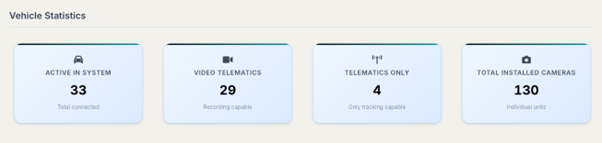
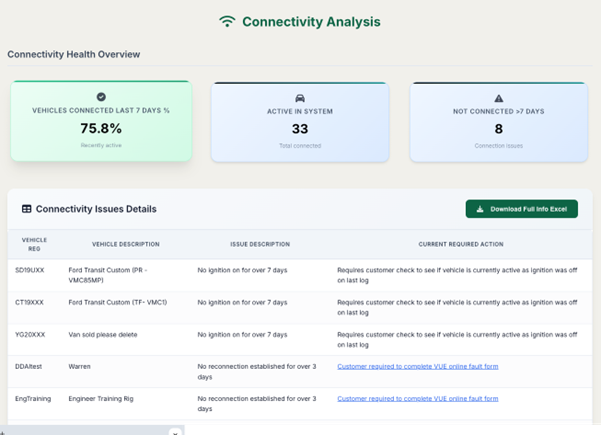
Active in System: Displays the number of SIM-connected devices currently active on the platform.
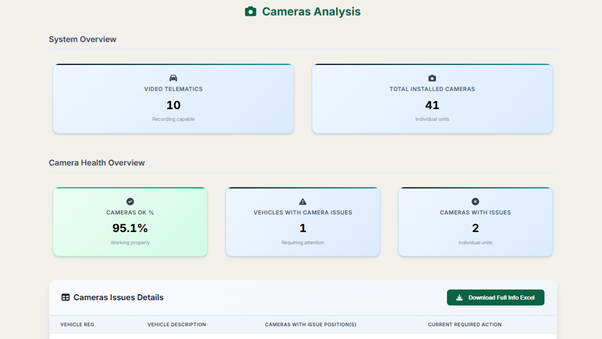
Video Telematics: Shows how many devices in your fleet are capable of recording video (e.g. equipped with cameras and storage).
Telematics: Indicates the number of tracking-only devices in your fleet.
Total Installed Cameras: Reflects the total number of cameras installed across all vehicles.
Storage Health
To monitor the condition of SD and HDD storage devices fitted to your vehicles. Understand instantly how many storage issues you have.
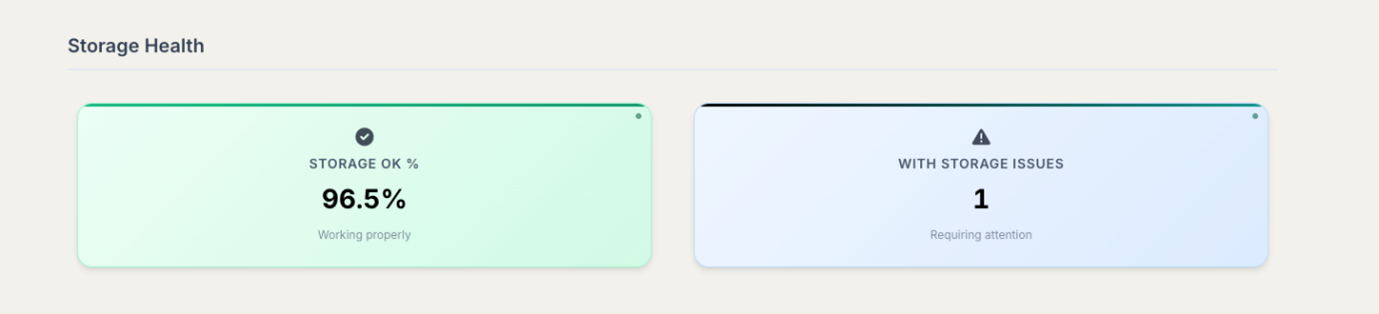
Storage OK: Provides a snapshot of all storage devices currently operating without issues.
With Storage Issues: Highlights any detected problems with storage devices that may need your attention.
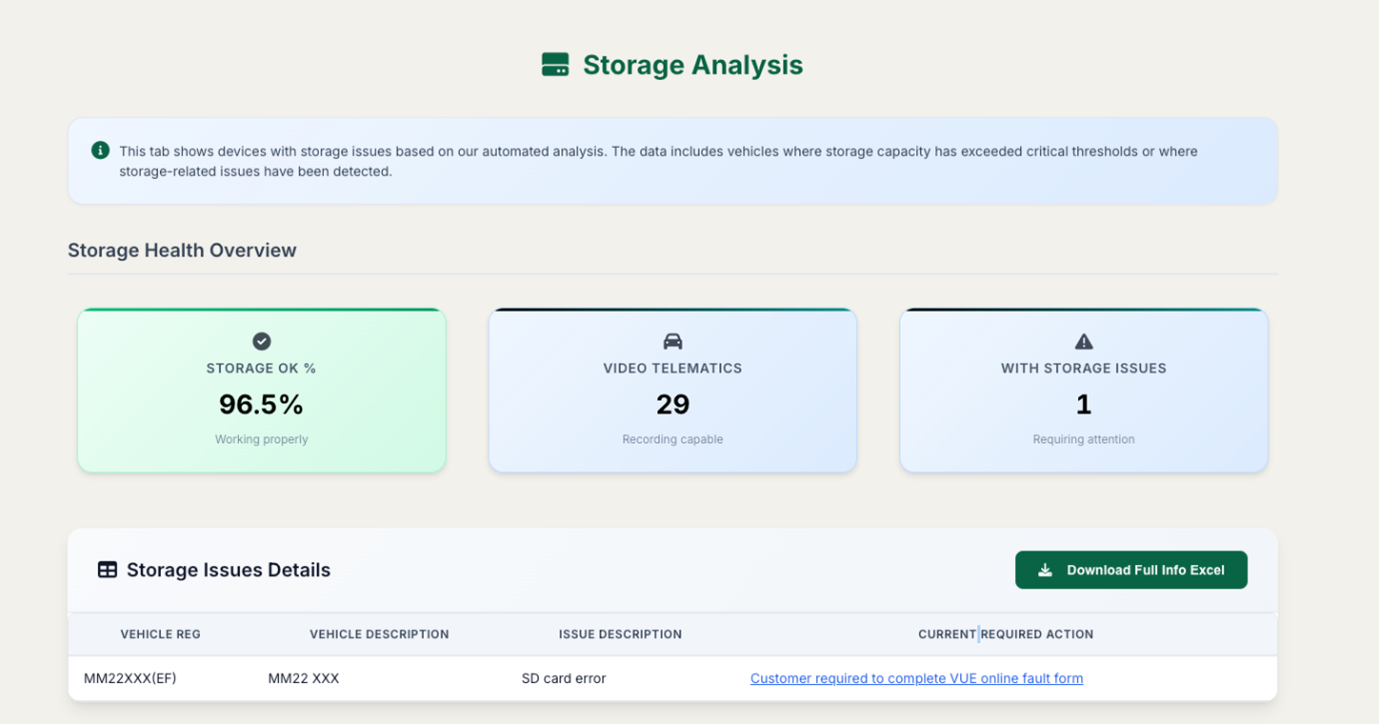
Clicking on either section will take you to the Storage Analysis tab, where you can view detailed storage diagnostics for each vehicle.
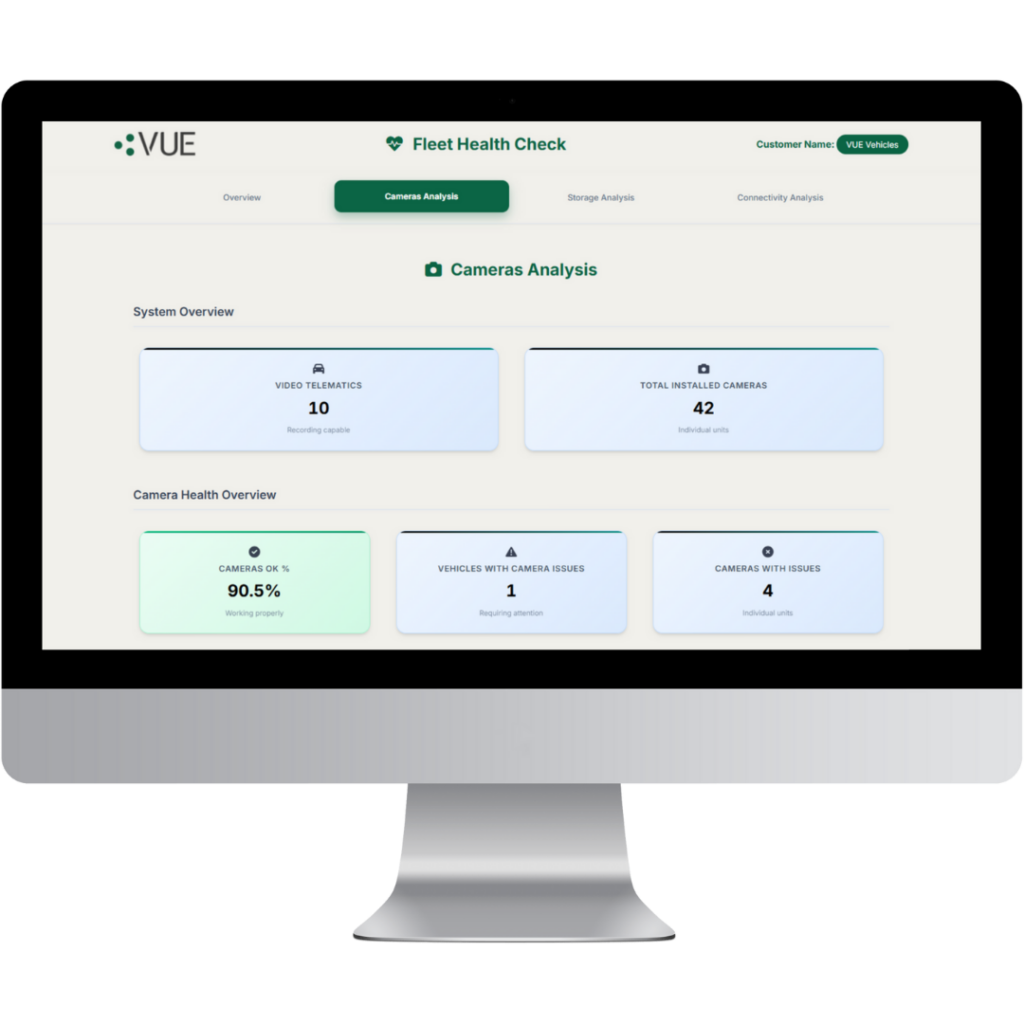
Camera Health
Track the operational status of cameras installed in your fleet.
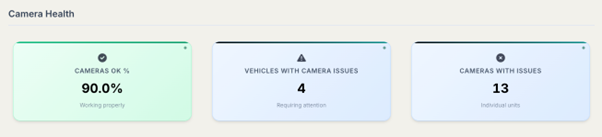
Camera OK: Shows the number of cameras currently connected and functioning correctly. Note: This only reflects connectivity and automated fault detection—it does not account for physical or cosmetic damage.
Vehicles with Camera Issues: Indicates how many vehicles have at least one camera experiencing a problem.
Cameras with Issues: Displays the total number of individual cameras with detected faults.
Click into this section to access the Camera Analysis tab for detailed camera information.
Connectivity Health
Keep tabs on how frequently your vehicles are connecting to the system.
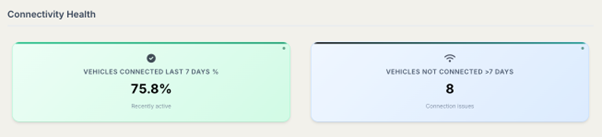
Vehicles Connected in the Last 7 Days: Shows how many vehicles have successfully connected to the system within the past week.
Vehicles Not Connected in Over 7 Days: Highlights vehicles that haven’t connected in more than a week, which may indicate a connectivity issue or inactive device.
Click into this section to access the Connectivity Analysis tab for detailed connection logs and timestamps.
Clicking into each area will take you into more detailed information about that area of device health...
Storage Analysis
Camera Analysis
Connectivity Analysis

Get in touch with the team for a full free demo of our solutions by calling 0161 877 2257 or emailing hello@vue-cctv.co.uk